What is the difference between “Increase” and “Maintain” modes
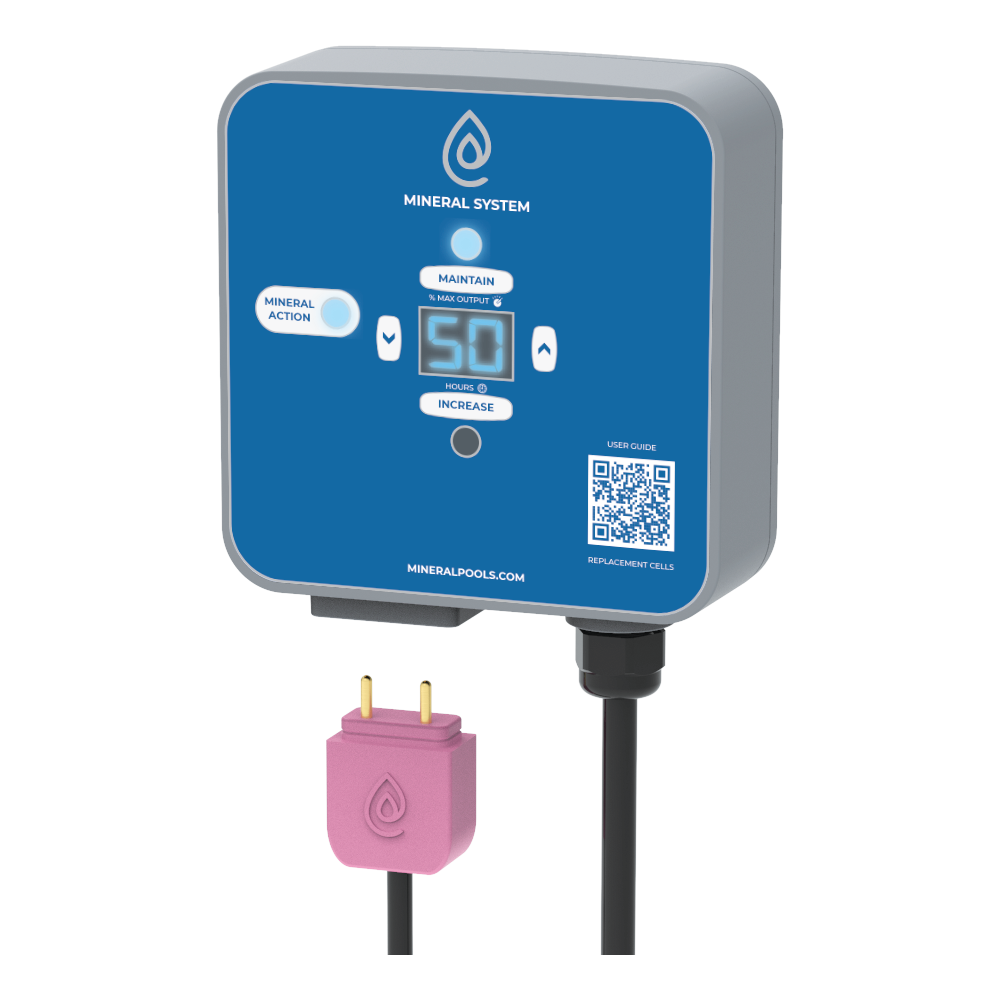
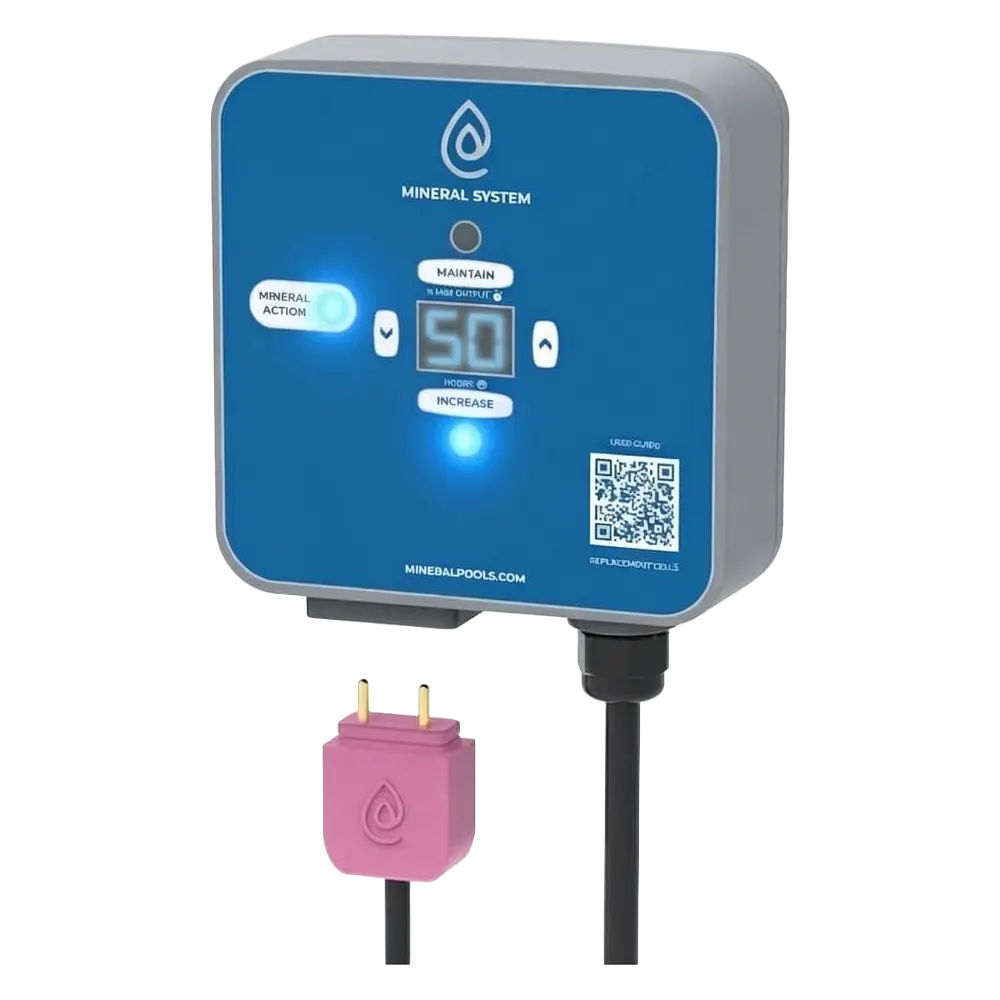
Maintain Mode
The Maintain mode is the default setting and is used to maintain the mineral level. It represents the percentage of maximum mineral output. For example, a setting of 50 on Maintain mode means it is outputting minerals at 50% capacity.
When you first start the system, set this to the number it gives you in the settings calculator.
The initial Maintain setting is a guideline only. You have to test for copper every week or two and adjust this setting up or down until the copper level is stable.
If the copper level tends to drift up, decrease the Maintain setting by 5 points.
If the copper level tends to drift down, increase the Maintain setting by 5 points.
Once you get this setting dialed in for your pool, conditions and usage, it will not change.
Increase Mode
Increase mode is used to increase the copper level in the water. This setting represents the number of hours the controller is set to maximum output. For example, a setting of 50 on Increase mode means the controller will stay on maximum output for 50 hours.
The Increase mode setting is a timer. It will count down by 1 every hour until it reaches 00 and then the controller will switch automatically to the Maintain mode with the number set in that mode.
The Increase mode should be used when you refill the pool and want to increase the copper level. Once the copper level reaches 0.2ppm, you can leave the controller on the Maintain mode.
Use the settings calculator for the recommended setting for Increase based on your pool size. You may need to use a higher number, or even multiple Increase cycles to increase the copper level to 0.2ppm.